
Your operational knowledge.
With DocsOps you maintain the internal knowledge base in your organisation’s structure.
Source-available · Self-hosted
Organisation as a layer model
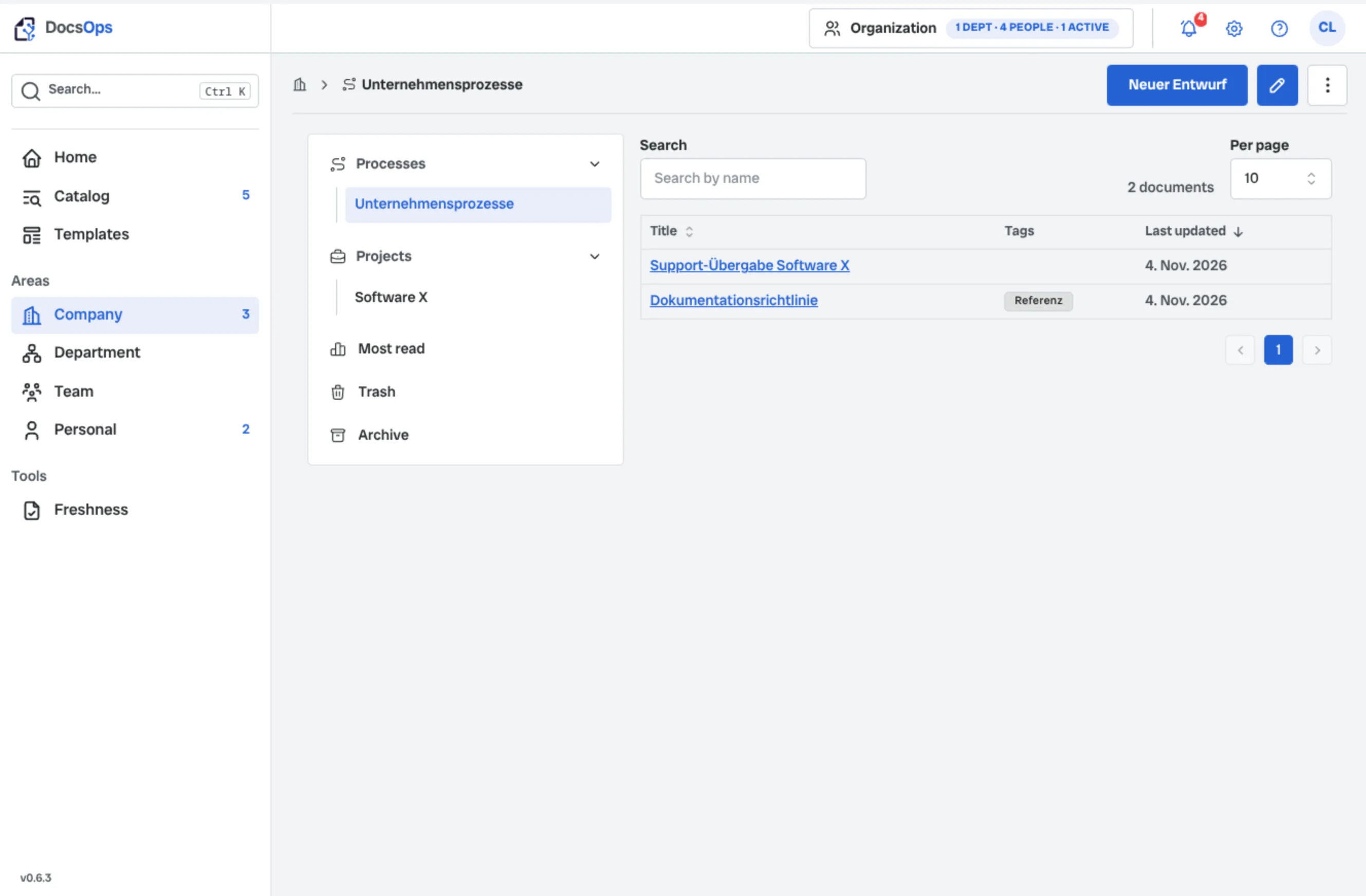
In organisations every user sits in a hierarchical scope: from company through department to team. DocsOps mirrors those layers and derives visibility and access from them.
Visibility and access follow the hierarchy of company, department, and team.
Company
Shared organisational frame.
Department
Responsibility for a subject area or product field.
Team
Day-to-day operational collaboration.
Personal space
Own content outside the team hierarchy.
Click a node to learn more.
Information needs context
Information becomes useful when related content is bundled. DocsOps therefore requires every document to belong to a context.
The basic distinction is fixed: process or project – lasting ways of working on one side, knowledge about a topic or initiative on the other.
Process
You document how something is done – workflows, standards, and recurring rules.
- Onboarding guide
- Incident flow and escalation
- Release approval process
Project
You bundle the current state of a topic, product, or initiative.
- Repository documentation
- Infrastructure overview
- CI/CD pipeline and deployment
Role-based collaboration
Good writing is teamwork, but not every change belongs in the authoritative version immediately. In DocsOps roles control who works in the draft and who publishes. That yields a published, binding version.
Contribution and approval stay separate: from draft to binding version.
Lead
Quality and approval; publishes the binding version.
Author
Writes content proposals in the draft.
Member
Reads the published version and can comment.
Draft
Working draft: changes are prepared and merged.
Published version
Binding version for everyone with read access.
Click a node to learn more.
Example: placing a document
Before creating: choose scope and context.
1. What should be documented?
Current accessibility status of Software X.
2. In which scope is that relevant?
IT department: responsibility for the software sits there.
3. Does it belong in a process or a project?
Not the review workflow (process), but the product state. So project context “Software X”.
4. What is the document called?
Document: “Accessibility status”.
All features
Org hierarchy
DocsOps mirrors your company’s existing structure and ties knowledge visibility to membership.
Governance
Document-scoped roles and approvals make documents binding and changes traceable.
Do11y
Documentation Observability (Do11y) shows owners which documents need a freshness check.
Data control
Your knowledge base – your control. Run DocsOps yourself. Export, backup, and import keep the corpus portable.
FAQ
DocsOps is for organisations that need clarity on what applies and who owns it. The knowledge base should stay traceable even when many people contribute. It is less suitable when the main need is an open surface for co-writing and fixed ownership matters little.